
Minnesota MNDOC Mugshots and Viewer
Start with the MN DOC Public Viewer. Use it when you want an adult still under Department of Corrections jurisdiction. It covers two groups. One is people held in state prison. The other is people who left prison but stay on supervised release. A supervised-release profile can remain visible after the person is out of a facility. So the viewer is a custody and supervision tool. It is not a list of every Minnesota arrest. It is not a complete arrest history.
Searches for "Minnesota busted mugshots" can blur the two systems. County booking images and state corrections profiles often sit side by side in results. Look at the agency name, the custody status, and the MNDOC ID. Decide what a result describes before you trust it. Someone may appear in a county jail right after an arrest. They may appear in the state viewer later. That happens once a sentence and transfer move them to DOC jurisdiction. Those records come from different agencies. They answer different questions.
Profiles may include a front and profile photo in the mugshot style. The images belong to the DOC record when shown. Treat them as corrections photos. They are not the latest arrest photo, and not a sign of a new case.
Search Minnesota MNDOC Profiles
Enter a first name, a last name, or both for a name search, or use the MNDOC Offender ID. Matching pulls in aliases. It also covers former names tied to convictions. A prefix works too. It returns names that start with the same letters, so a short fragment can bring back several people. Read the full profile rather than grabbing the first close match.
An ID search needs the whole six-digit number. Use all six digits exactly as the DOC record shows them. A partial number is not a name prefix. It will not pull a result on its own, and new sentences can take several business days to appear, so an empty search right after sentencing tells you little about where someone is held.
| Search method | Input | How it matches |
|---|---|---|
| Name | First name, last name, or both | May match a name prefix and aliases or former names associated with convictions. |
| MNDOC Offender ID | Exactly six digits | Use the complete ID; partial digits are not an ID search. |
The official MNDOC search form splits name lookup from ID lookup. It also explains the viewer's jurisdiction and notes that new sentences may take time to appear.
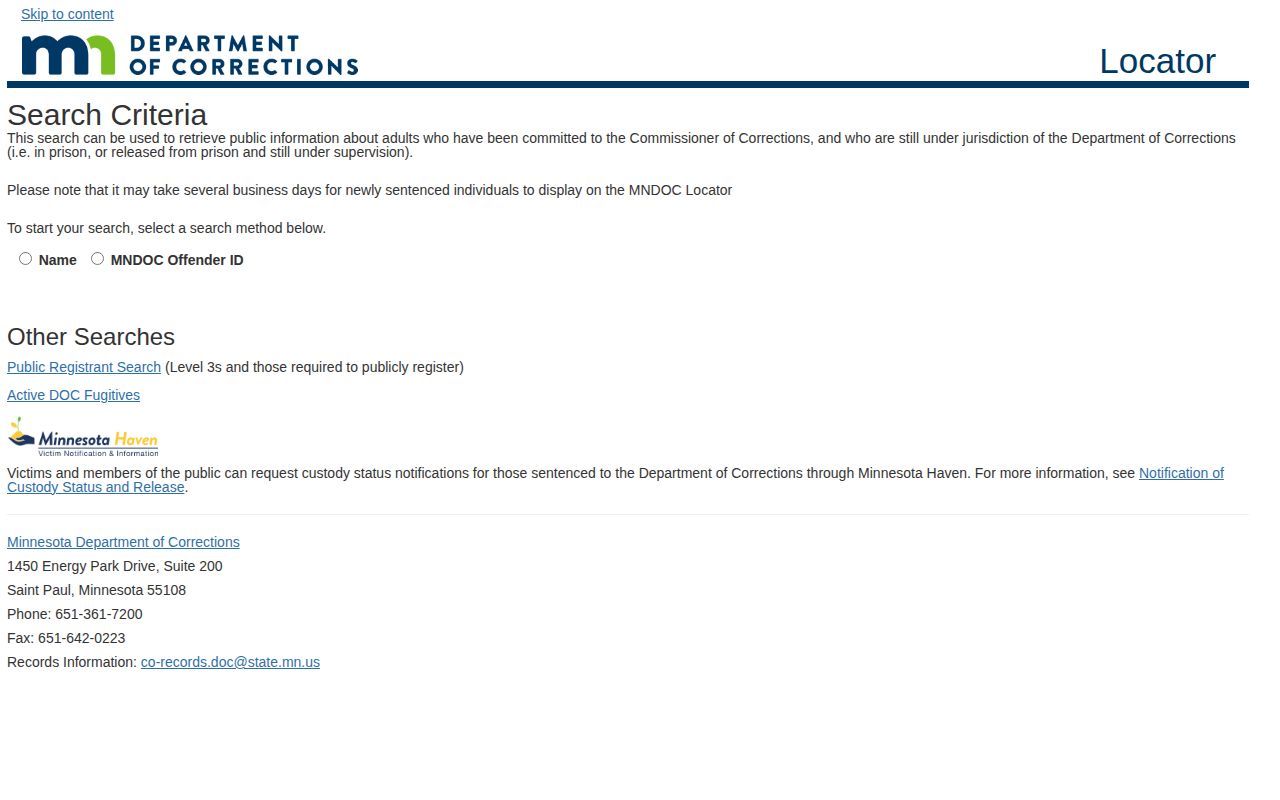
Use the form to spot a possible profile. Then verify each field on the result page itself, since the image shows a search interface rather than a grid of offender photos.
- Choose name search when the MNDOC ID is not known. Enter a first name, last name, or both, and allow for prefix results.
- Choose Offender ID when the exact six-digit number is available. Enter all six digits as shown, not a partial number.
- Open a likely match and compare the date of birth, aliases, MNDOC ID, status, and facility.
- Read sentence, release, and expiration fields in context. Use the linked court information when the legal outcome matters.
Minnesota MNDOC Profile Fields
A profile pulls identity, custody, sentence, and case details together. How they appear can vary with each record. Even so, the Public Viewer treats these fields as the useful points of reference. Use them for checking a result. The photo is one part of the record. It is not a stand-in for the status and case data printed beside it.
| Field | What it helps show |
|---|---|
| Name and date of birth | The identity details tied to the profile. |
| AKA names | Other names associated with the DOC record, including former names. |
| MNDOC ID | The six-digit identifier used to distinguish a DOC profile. |
| Current status | Whether the person is shown in prison custody or another DOC status. |
| Facility | The DOC facility associated with a person in prison custody. |
| Sentence, release, and expiration dates | Dates listed for the sentence and the current DOC record. |
| Highest offense | The offense field emphasized in the DOC profile. It is not a full case history. |
| Court file numbers and links | Routes for checking court or BCA information associated with the profile. |
A name alone proves little. Compare the date of birth, the MNDOC number, aliases, and facility or status details. If the profile lists a court file number, use it to pull the matching court record. A shared name is not enough to weld a DOC photo to a county arrest or a court case.
The highest-offense field is a summary. It is no substitute for the court register, the judgment, or later case action. The viewer tells you a profile exists. A court document is the better source on whether a case is pending, dismissed, resolved by plea, or ends in a conviction. Do not read an outcome from a photo. Do not read one from a sentence date alone.
Note: Before relying on a profile match, compare the DOC number, date of birth, known aliases, status, and court file details together.
Minnesota MNDOC Photos and Limits
An MNDOC profile often shows two photos. One is front-facing and one is a side view. They sit next to a name, offender ID, status, facility, and offense details. A University of Massachusetts Transportation Center presentation documents that two-view display. The current viewer itself is the place to check profile details. Keep in mind the picture is a corrections image. Call it a county booking photo only if the source record says so.
Two views reveal less than people assume. Nothing about them shows when they were taken. Nor does an image prove a fresh arrest. Someone can hold a DOC profile because of an old sentence. That person might sit on supervised release rather than behind bars. Status fields and court records give the context a photo never will.
Some profiles display no image at all. Not every record needs one. A missing picture is not proof that a person has left DOC jurisdiction. When a specific image or older record matters, lean on the profile's status fields. The department's records channels can help too.
Before asking about any photo, sort out which one you mean. Is it the Public Viewer image, a booking photo, or some other record? The answer points to the right office. A county sheriff or police department holds the local arrest record. DOC keeps its own offender files. Third-party sites and old screenshots cannot answer that. They cannot say which agency controls the source image today.
Minnesota MNDOC Photo Updates
DOC posts no fixed schedule for photo updates. No set retake interval exists, and no promise says images get replaced on particular dates. A status can shift while the photo stays the same. So never assume a picture is current. Do not base that on a sentence date, a facility field, or a change in supervision.
The public viewer covers adults still under DOC jurisdiction. That group includes people in prison and people out on supervision. Once supervision ends, though, the viewer does not promise a lasting profile. A discharged person may drop out of the system. Avoid claiming every former offender stays searchable.
There is a real gap between living outside prison and leaving DOC jurisdiction. Supervised release is a community status that stays under DOC authority. Discharge ends the public-profile promise. Even then, an old DOC record may sit in an archive. It may sit under an approved retention schedule. That is a separate question, best put to the custodian.
Read the status first. A photo can sit on a profile long after things change. Status fields, not the image, show custody today or how a case turned out.
MNDOC and Minnesota County Mugshots
County booking photos and MNDOC profile photos come from separate systems. A local arrest gets recorded by the agency that made the bust. Sometimes the jail that processed the person holds the entry instead. The DOC viewer, by contrast, covers people committed to the Commissioner of Corrections. These are people still under state control. Someone may move from a county jail into a DOC facility. The useful search can shift then. Even so, one system never replaces the other record.
| Question | MNDOC profile | County booking record |
|---|---|---|
| What starts the record? | A DOC commitment and continuing DOC jurisdiction. | An arrest and local booking or custody event. |
| Who is covered? | Adults in state prison or supervised under DOC jurisdiction. | People processed or held by a county or local agency. |
| What does a photo mean? | An image attached to a DOC profile when available. | An image tied to the county or local arrest record when held and public. |
| Where to look? | The official MN DOC Public Viewer and DOC records office. | The originating county sheriff or police records source. |
Hunting a local booking photo? The Minnesota County Directory is the first stop. Use it to find the right county site and its official source. Live rosters tend to list only current inmates. A release or transfer can quietly erase someone from the list. When the roster stops answering the question, request the booking record straight from its custodian.
For the statewide picture, turn to the Minnesota records hub. It lays out how local systems differ from one another. For a person in state prison, go to MNDOC first. Expect a possible lag of several business days, as the viewer itself describes. Keep the two worlds straight. A county arrest is not a DOC commitment. A DOC photo is not a full list of past arrests.
Note: A county roster is a current-custody view, while an MNDOC profile follows state jurisdiction and may include supervised release.
Request Minnesota MNDOC Photos
Start with the DOC public-data request page for government data. Questions about an individual record go to the separate offender-record request page. Public-data requests must be written and specific. Staff need enough detail to identify the record you want. No reason for the request is required. Note: DOC will not create new records or supply data in formats it does not keep, and the DOC data-request workflow lists forms plus inspection and copying details.
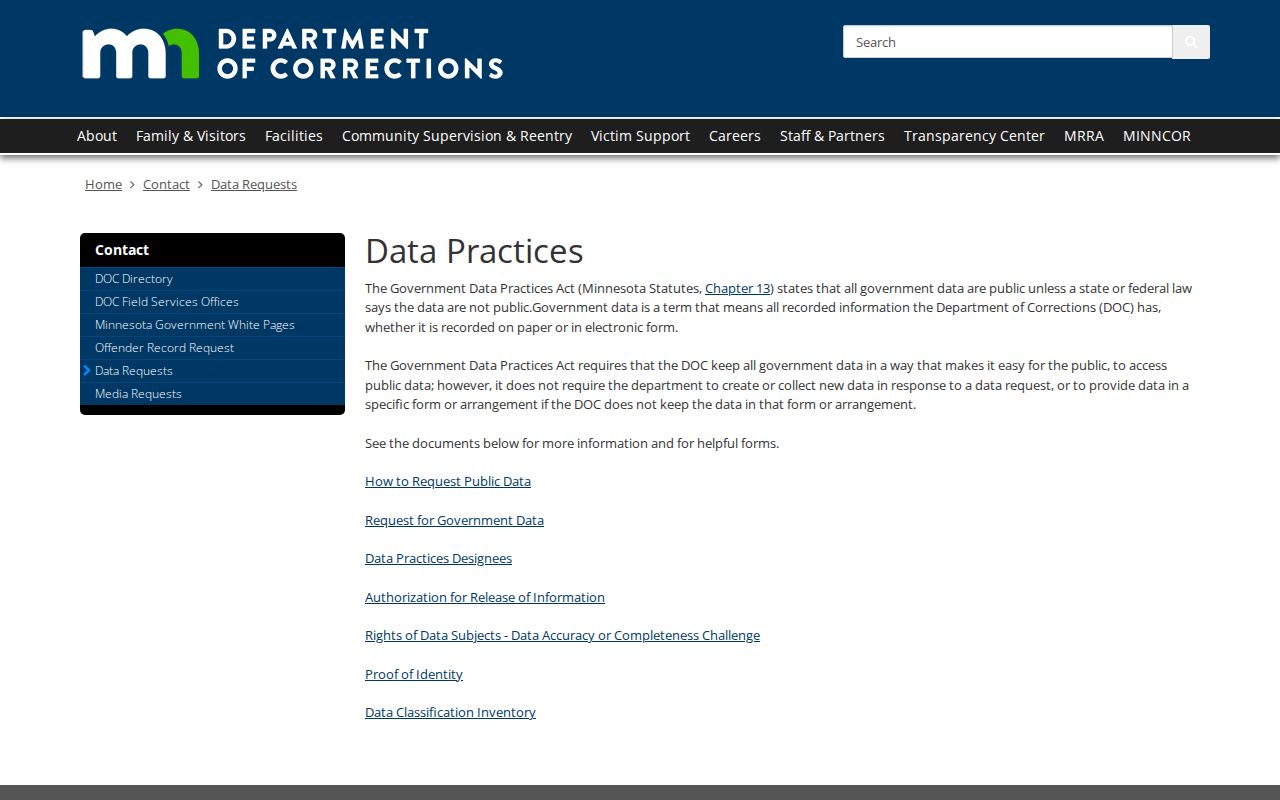
Match the request path to the record you want. The department's data-practices page appears here, not an offender's case file.
- Identify the person with the full name and, when known, the six-digit MNDOC ID. Add a date range or court file number to narrow the search.
- Name the record type: a Public Viewer image, intake or booking material, custody history, or another DOC record. Do not ask DOC to assemble every Minnesota county's booking image.
- Submit a written request through the public-data page or use the offender-record route for offender-record questions. The official public-data request form explains the details DOC asks for.
- Say whether inspection will meet the need or whether copies are requested. DOC describes copy charges as the actual cost of copying; ask the department for the amount before ordering copies.
DOC Records Management answers the phone at (651) 361-7330, takes faxes at (612) 473-5006, and reads email at CO-Records.DOC@state.mn.us. The DOC policy on access to and protection of government data frames how the department handles these matters. Copying costs reflect actual expense, with no flat fee or fixed processing time, so ask about charges and timing for your specific request.
Minnesota MNDOC Discharge Records
A vanished Public Viewer profile tells you little on its own. It does not mean the DOC destroyed, sealed, or moved every record tied to that person. The viewer simply was never built as a full history file. It does not follow people who left DOC custody. Records Management can answer that. The office can tell you whether the photo, status record, or custody history still sits with the DOC. It can also say whether another office now holds the file.
State rules govern how long each type of record survives. The Minnesota State Archives Records Disposition Panel weighs proposed schedules. It decides what moves to permanent archive storage.
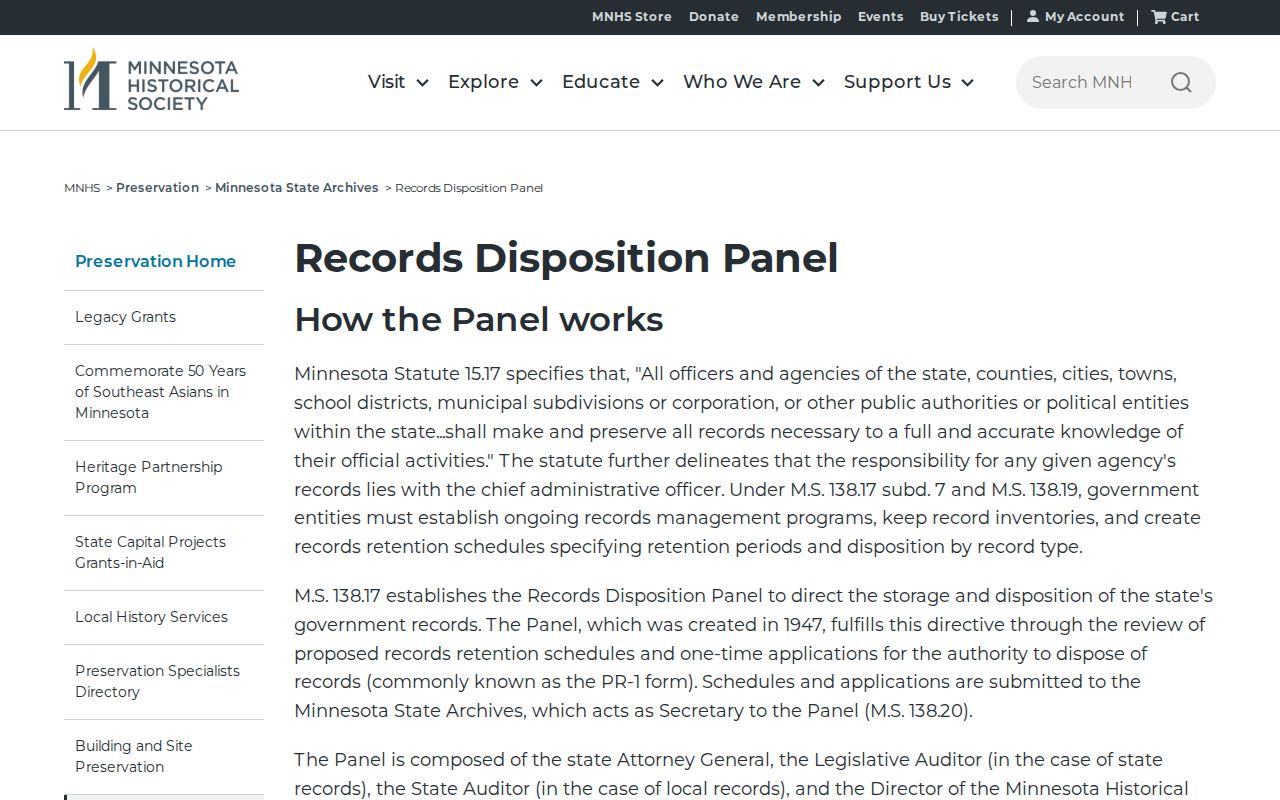
That panel works across agencies and record types. Its decisions do not lock in any update interval for an MNDOC profile photo. They cannot confirm that one specific image survived. For older correctional material, the Minnesota Historical Society offers a separate state correctional institution and prison-record request route. Expect limits, though. The Society restricts most inmate records. The bar lasts 75 years from the final entry in the file.
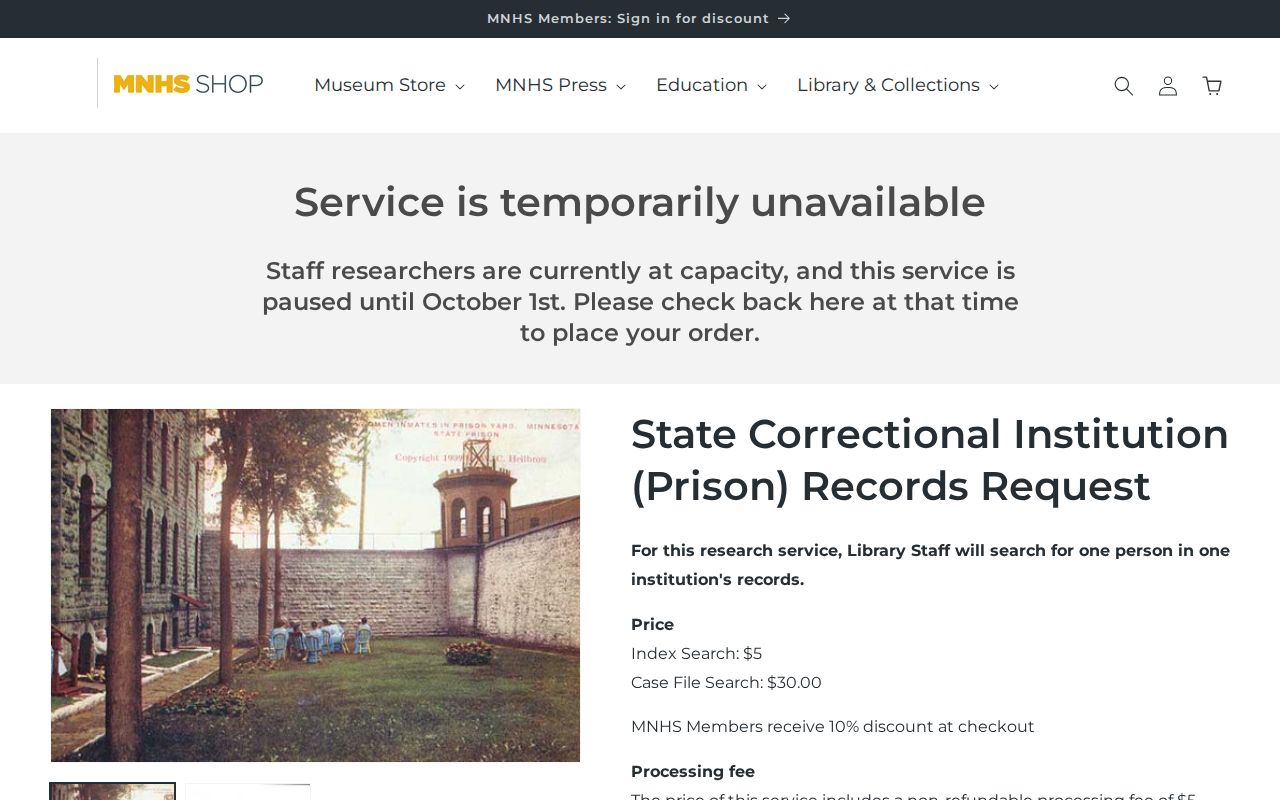
An archive request is not the same as a current DOC public-data request. Finding a catalog entry proves nothing by itself. A particular offender photo may sit undigitized, closed, or barred from reproduction. That can happen even when the collection exists. The MNHS product page changes over time, so read the live listing before ordering. Name your person and date range exactly. Then ask the archivist about access status before counting on a copy.
Verify Minnesota DOC Dispositions
Keep one distinction clear. The DOC viewer is not a court docket. It will never trace every arrest or case. Its court-file links help you spot an official case number. But the court record alone holds the disposition. Through Minnesota Court Records Online, anyone can search by name or case number. That opens a register of actions plus any public documents on file. The portal itself cautions that its online view is unofficial and incomplete.
Common names need extra care. When a name has several spellings, be careful. Match the MNDOC ID, date of birth, county, and court file number. Only then tie a case to a person. Some pending cases stay hidden in defendant-name searches. Older or restricted files may demand a courthouse terminal or another official route. A web search that comes up empty proves little. It is not the same as proof no case exists.
Stick to what the source actually shows. Report a booking or charge as exactly that. Save stronger words for dismissal, plea, conviction, or diversion. Use them only when an official court record backs those facts.
Note: When the public viewer has no result, that absence alone does not establish discharge, record destruction, or a court disposition.